Photopeas – Free Online Photo Editor
Crop, resize, and edit images in your browser.
Crop, resize, and edit images in your browser.
Powerful
Photo Editing
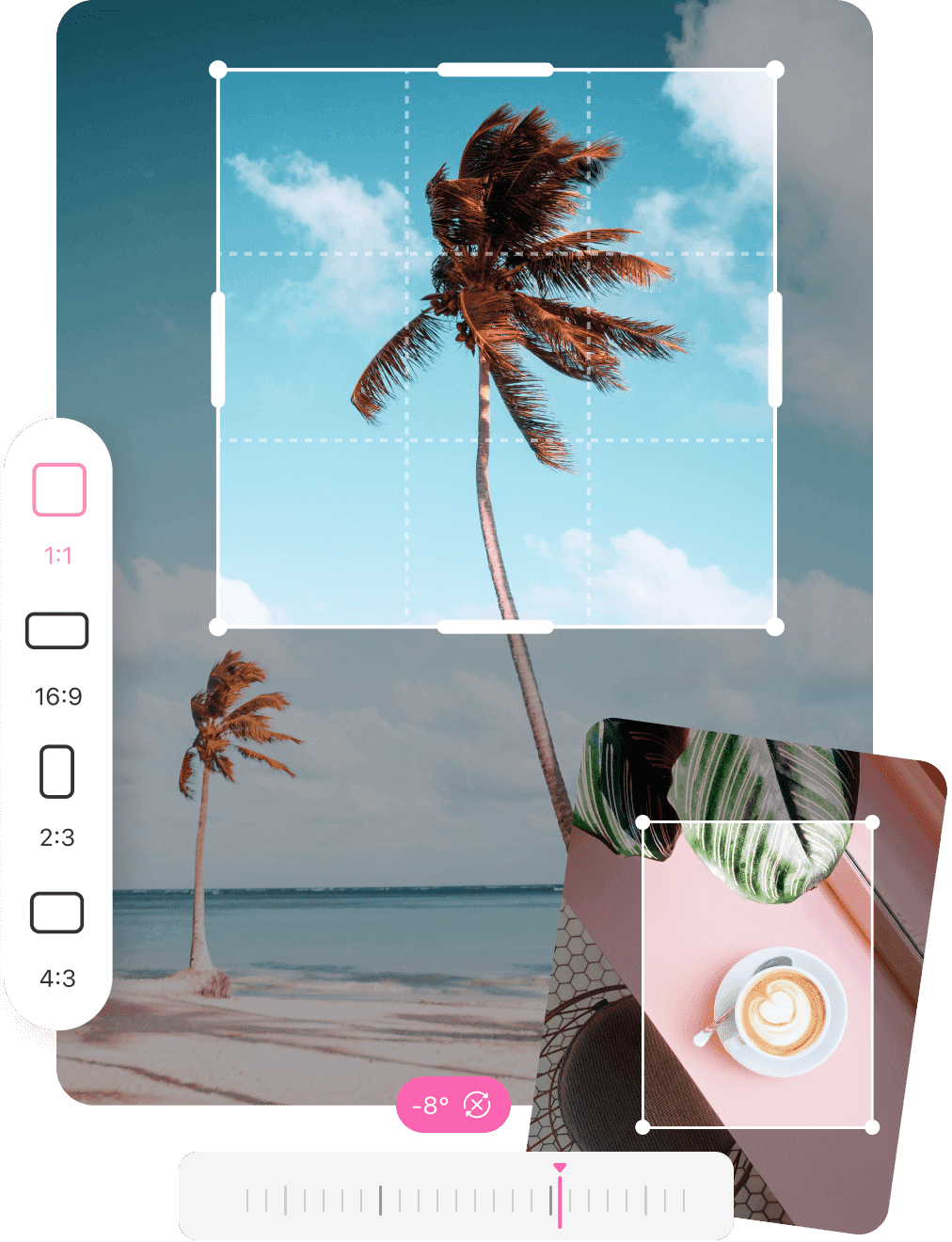
Crop, rotate, resize, and enhance images in just a few clicks. Apply filters and photo frames instantly for beautiful results.
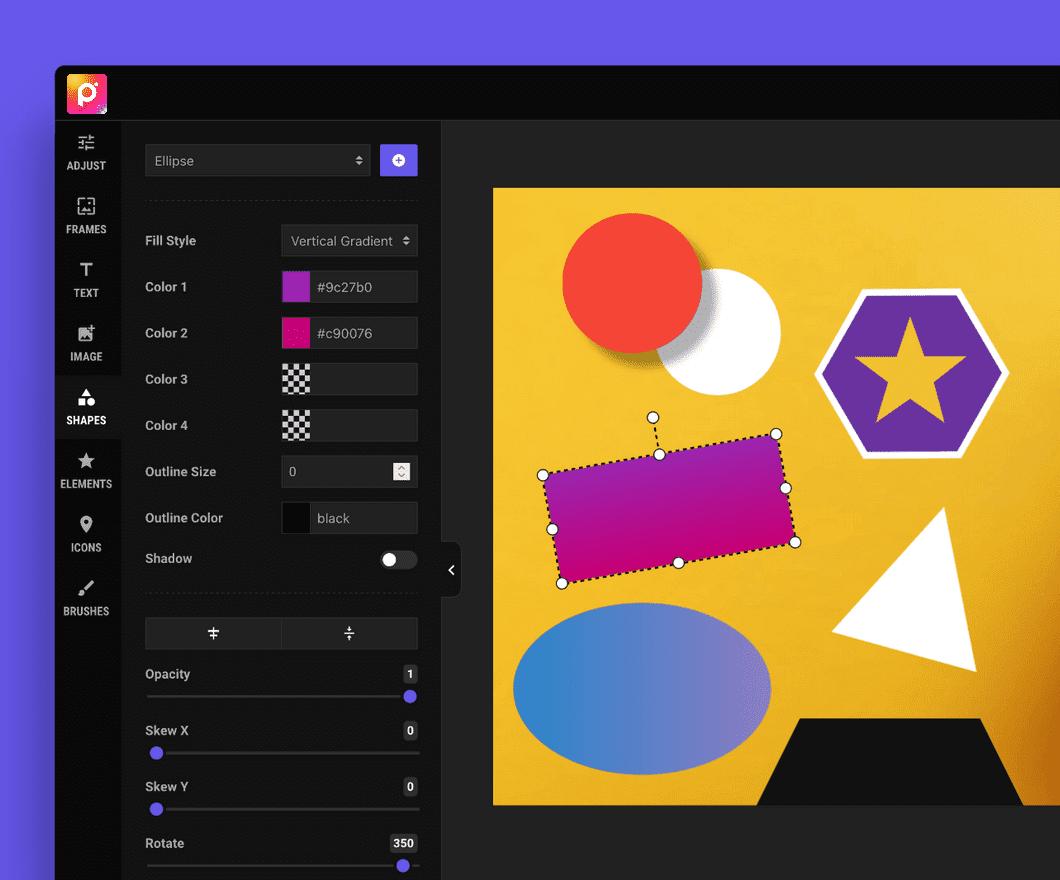
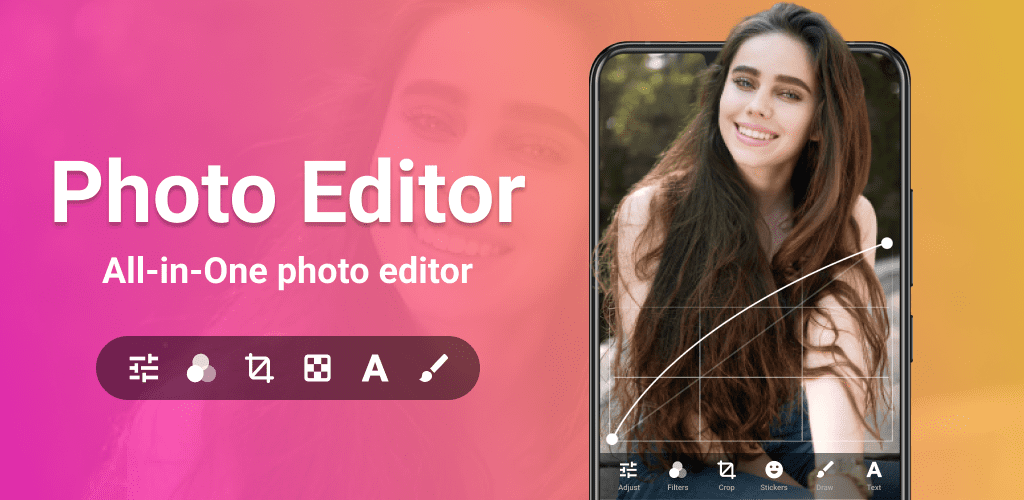
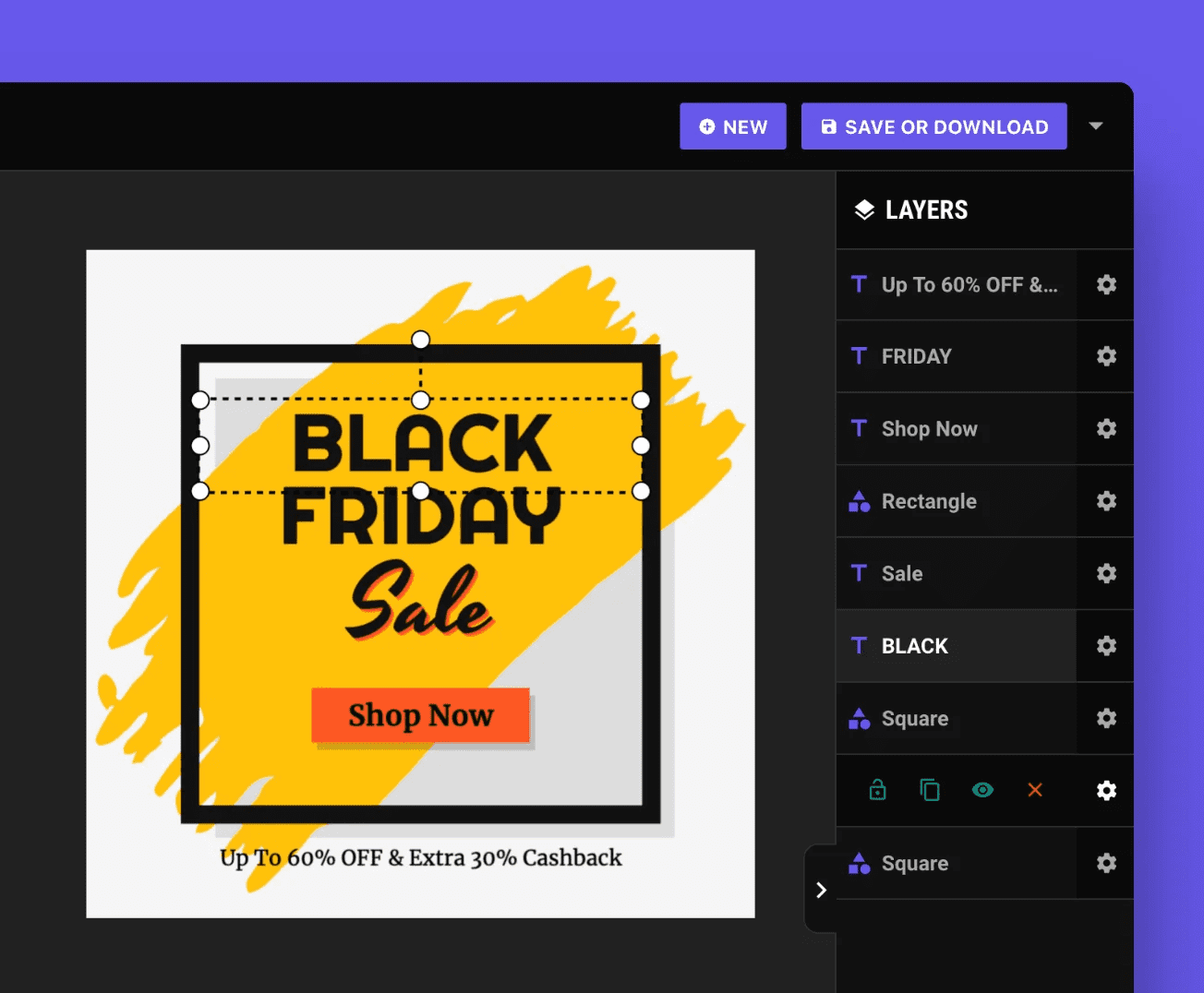
Photopeas online Image Editor offers a complete visual design toolkit with templates, layers, text effects, icons, shapes, QR codes, brand assets, flags, crypto graphics, and custom illustrations.
Satisficed
Users

Compress IMAGE
Compress JPG, PNG, SVG, and GIFs while saving space and maintaining quality.
Edit Now->
Resize IMAGE
Define your dimensions, by percent or pixel, and resize your JPG, PNG, SVG, and GIF images.
Edit Now->
Crop IMAGE
Crop JPG, PNG, or GIFs with ease; Choose pixels to define your rectangle or use our visual editor.
Edit Now->
Rotate IMAGE
Rotate many images JPG, PNG or GIF at same time. Choose to rotate only landscape or portrait.
Edit Now->
Convert IMAGE
Turn PNG, GIF, TIF, PSD, SVG, WEBP, HEIC, or RAW format images to any format with ease.
Edit Now->
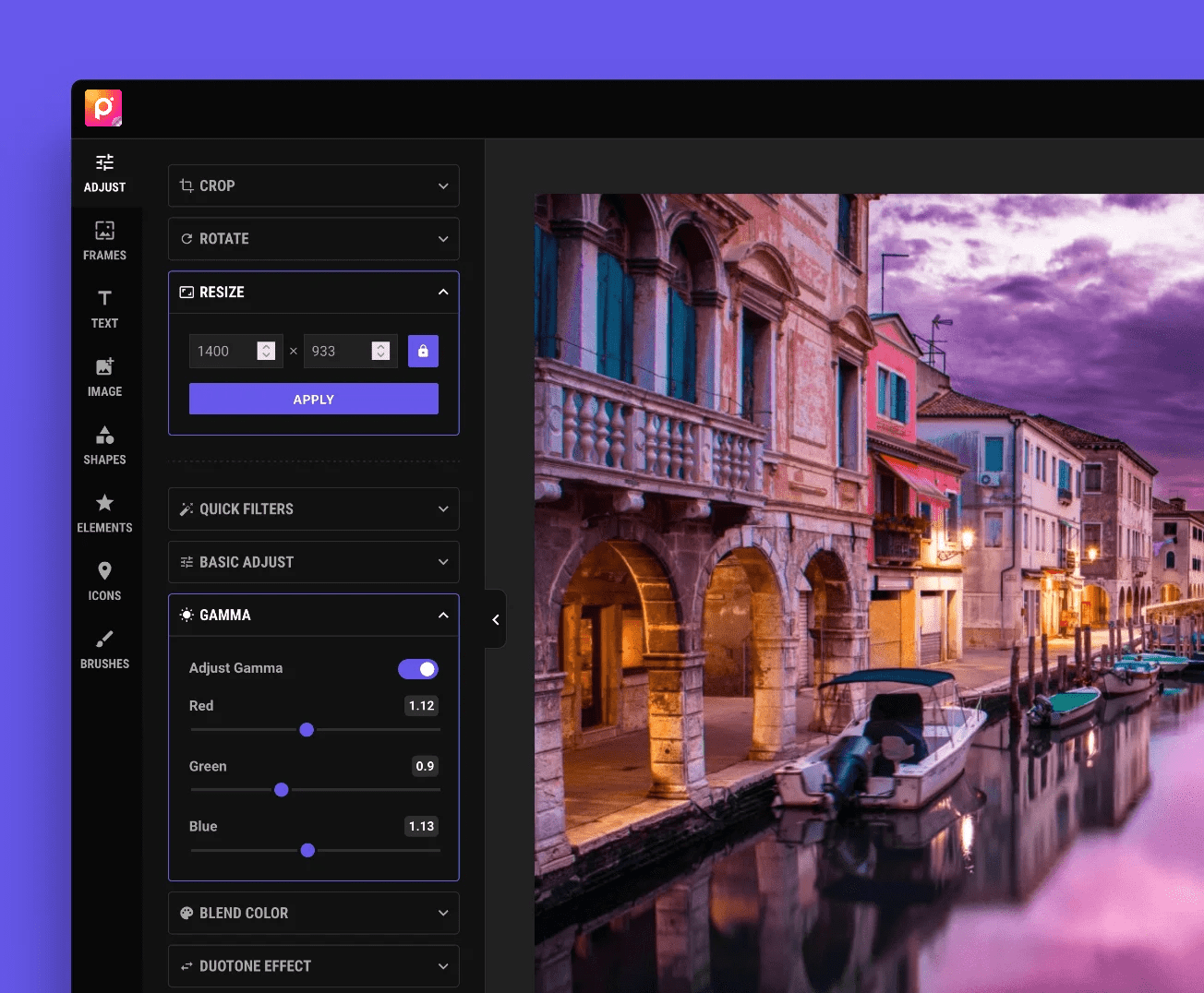
Image Editing Made Simple with Photopeas
From simple edits to full creative designs, our online editors deliver a smooth, all-in-one workspace for turning ideas into visuals fast.
Got Questions?
We’ve Got Answers
01What can I create with the editor?
You can design a wide range of visuals using ready-made templates and creative assets such as QR codes, barcodes, brand graphics, country flags, cryptocurrency visuals, avatars, and geometric background designs — all from one easy-to-use online editor.
02Do I need design experience to use this editor?
Not at all. Our editor is built for everyone, with pre-built templates, smart layers, and intuitive tools that help you create professional-looking designs quickly, even if you have no prior design skills.
03Can I customize templates and design elements?
Yes. Every template and element in the editor is fully customizable. You can modify text styles, colors, layers, icons, illustrations, and graphic assets to match your brand or personal design needs.
04Is the editor web-based or do I need to install anything?
Our editor runs completely in your browser. There’s no software to download or install — just open the editor and start creating designs instantly on any modern device.